The quick take
Match the robot to your floor plan and cleanup tolerance: reliable navigation and easy maintenance are more valuable than extra modes you will not use.
- Measure thresholds, furniture clearance, rug edges, and dock space before choosing a model.
- Object avoidance reduces preparation but does not eliminate cords, liquids, toys, or pet-accident risk.
- Consumables, brush cleaning, bin handling, dock bags, and app support determine long-term convenience.
Map the home before comparing robots
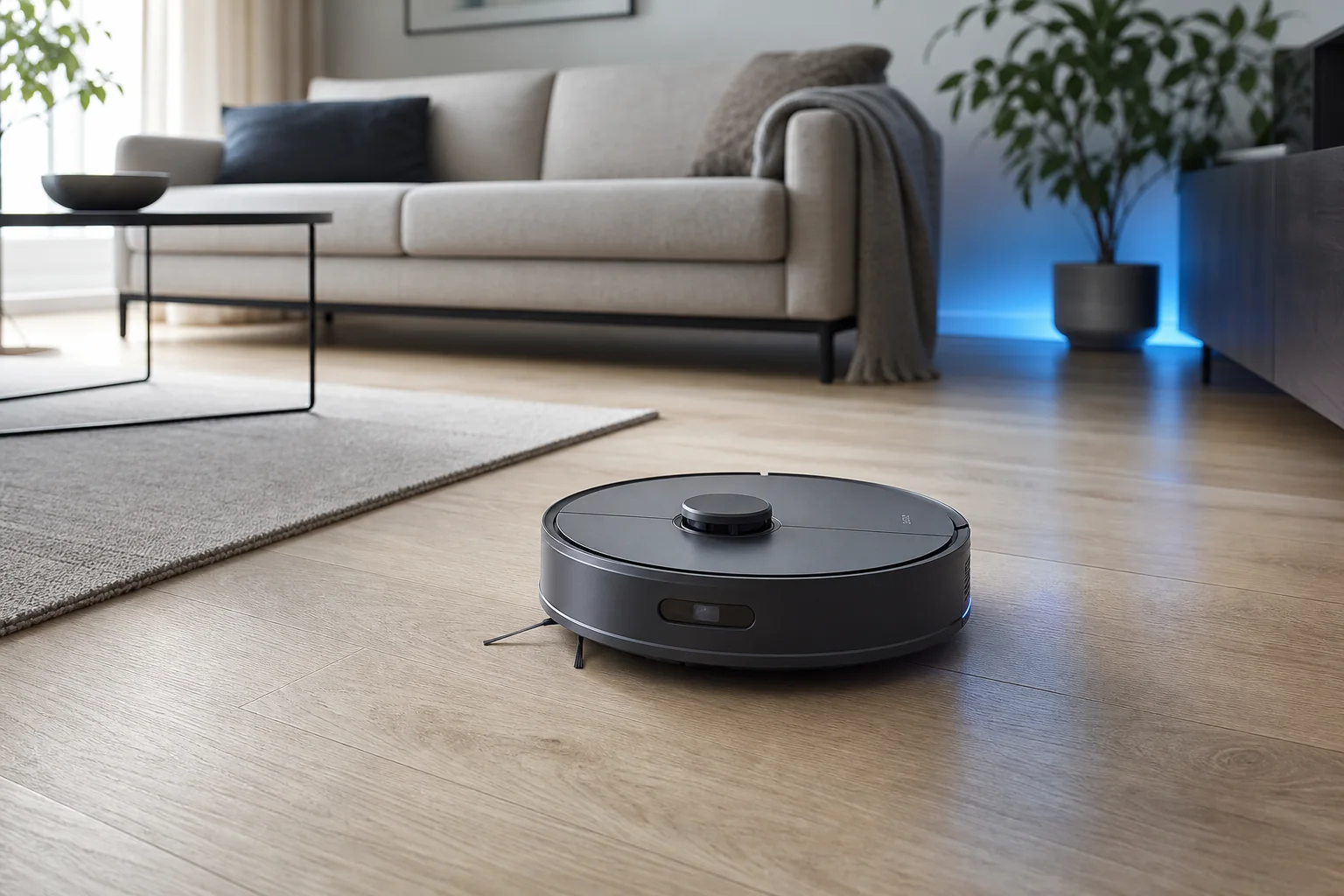
A robot vacuum operates inside a physical system: room shape, floor transitions, furniture clearance, rugs, stairs, cords, pets, and the location of its dock. Measure the lowest furniture you expect it to pass under and the tallest threshold it must cross. Note dark rugs, reflective surfaces, long fringe, and narrow chair spacing. These details can matter more than a laboratory suction number because a robot that cannot reach or navigate an area cannot clean it.
Begin this robot vacuum buying guide with a simple sketch. Mark hard floor, carpet, pet feeding areas, clutter zones, and places that should remain off-limits. Decide whether one floor is enough or whether you expect multi-level maps. Carrying a robot between floors may be acceptable, but the dock, map behavior, and stair detection need to support the routine. Choose from the home backward rather than from the feature list forward.
Navigation and obstacle avoidance are different
Navigation helps the robot understand where it is and cover rooms in an orderly way. Products may use LiDAR, cameras, other sensors, or combinations. Obstacle avoidance tries to identify items that are not part of the permanent map. A model can navigate rooms efficiently yet still catch a charging cable, sock, or toy. Manufacturer lists of recognized objects are useful, but they are not permission to leave every hazard on the floor.
iRobot's current product materials illustrate the distinction: some models use LiDAR for mapping, while other systems advertise visual recognition of objects such as cords and pet waste. Capabilities vary by model and software. Treat avoidance as a layer that reduces preparation, not a guarantee. Pick up liquids, fragile objects, thin cords, and pet accidents before a run, especially until you have observed the robot in the real space.
Match cleaning hardware to floor type
For mostly hard floors, edge pickup, brush design, fine-dust control, and reliable navigation may matter more than maximum carpet power. For carpet, examine brush engagement, hair handling, and whether the robot can increase power automatically. Homes with pets should prioritize a roller that is easy to remove and clean. No brush is maintenance-free; long hair and thread can wrap around ends even when marketing uses anti-tangle language.
Combination vacuum-and-mop products add another decision. Basic models may drag a damp pad, while more complex systems lift, rotate, wash, or dry components. Confirm how the robot recognizes carpet and what happens at rug edges. iRobot documentation, for example, describes carpet detection and no-mop behavior on specific models, not on every product. Use the exact manual, because a category-level promise does not establish the behavior of a particular SKU.
The dock determines how hands-off the system feels
A basic charging dock requires you to empty the onboard bin and maintain the mop. A self-empty dock moves debris into a larger bag or container. More advanced docks can manage clean water, dirty water, pad washing, or drying. Each step reduces daily handling but increases footprint, price, noise, consumables, and the number of parts that need cleaning. Measure the intended dock location, including lid clearance and access to power.
Ask what still requires your hands. Dust can collect around filters and seals. Hair reaches brush ends. Dirty-water tanks need prompt cleaning. Bags and pads have replacement costs. A complex dock placed where it is inconvenient to service may create more frustration than a simple bin emptied near a trash can. Total convenience is the time between interventions plus how unpleasant each intervention is—not the number of automated features.
Apps, maps, privacy, and offline behavior
Smart maps can enable room cleaning, keep-out zones, schedules, and targeted passes. Before relying on them, check whether the robot retains multiple maps, what controls remain on the device, and what happens if the internet or cloud service is unavailable. Review account security, household sharing, map deletion, camera behavior, and optional data contributions. A camera-equipped robot moves through private rooms, so data settings deserve the same attention as cleaning performance.
iRobot support documentation notes that some obstacle images are encrypted and that contribution to a database can be optional in the relevant workflow. Other vendors have different policies. Read the current privacy notice for the exact app and model. Use a unique password and available multi-factor security, install updates, and avoid granting permissions that are not needed for cleaning. Convenience should not depend on ignoring the device's data path.
Maintenance and the final decision
Build a monthly ownership list: emptying or replacing the dock bag, washing or replacing filters, removing hair from rollers and wheels, cleaning sensors, laundering or replacing mop pads, and checking the charging contacts. Confirm that consumables are available from a traceable source and that the manual explains replacement intervals. A lower purchase price can become less attractive if parts are difficult to find or the brush assembly is awkward to service.
Use this robot vacuum buying guide as a final scorecard: navigation fit, obstacle risk, floor compatibility, dock footprint, maintenance effort, app privacy, consumable cost, warranty, and support. A responsible robot vacuum buying guide should make recurring work visible instead of calling every dock hands-free. Choose the simplest product that solves the recurring cleaning job. During the first runs, stay nearby, remove hazards, refine zones, and inspect what the robot missed. Keep this robot vacuum buying guide with your room measurements so a later replacement is compared against the same real constraints. Revisit the robot vacuum buying guide when a software update changes mapping, privacy, or dock behavior. Automation becomes useful when it creates a repeatable routine, not when it promises a floor you never need to think about.
Sources & editorial notes
This guide is based on published documentation and editorial analysis. It does not claim hands-on product testing. Sources were reviewed on 2026-08-03.