The quick take
Choose the smallest reputable GaN charger that can deliver the power your highest-demand device requests while leaving enough capacity for the other devices you plan to connect at the same time.
- Start with device input requirements, not the largest number on the charger box.
- Check the per-port and shared-output table because total wattage is not available from every port at once.
- Pair the charger with a cable whose power rating and connector type match the intended load.
What a GaN charger changes—and what it does not
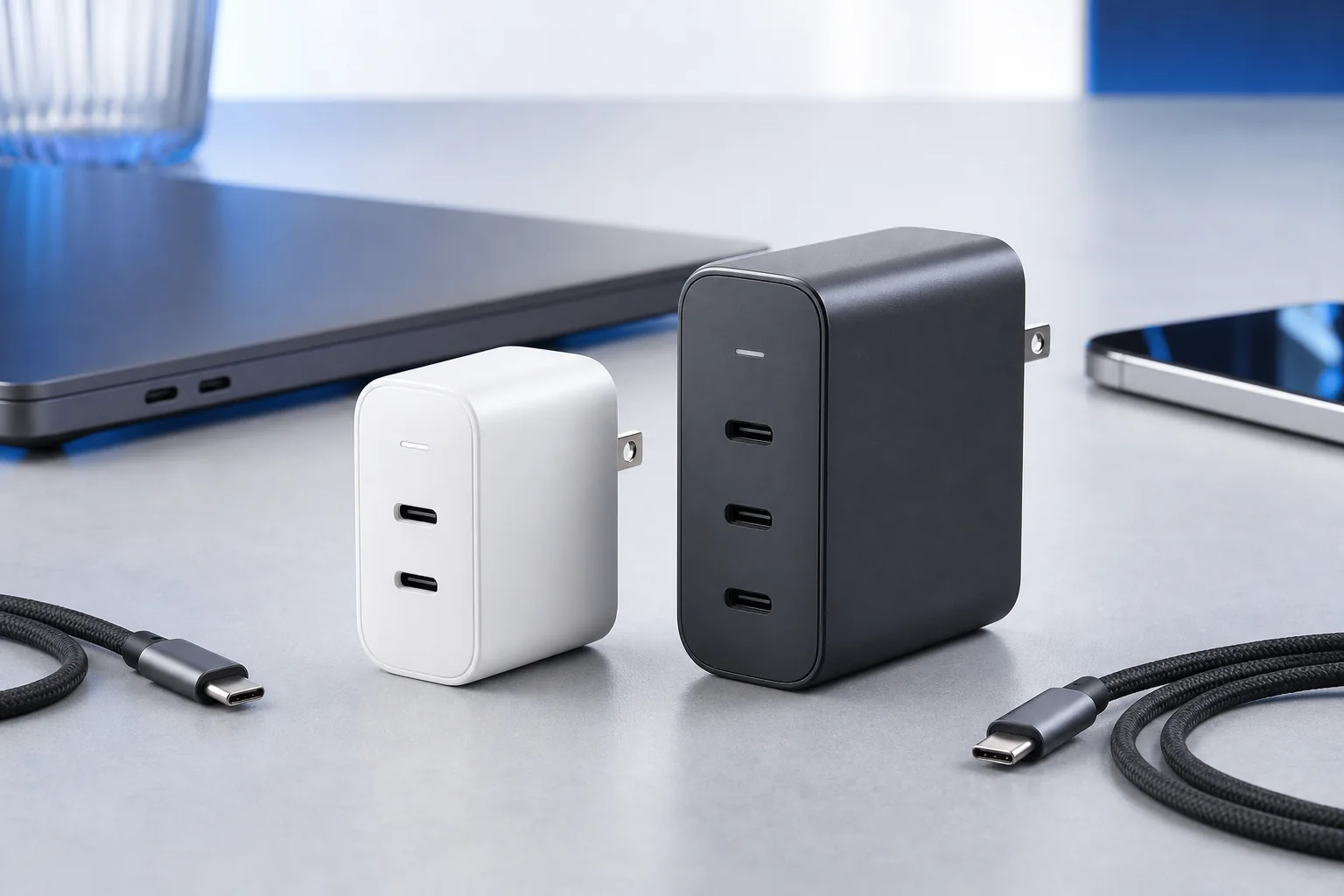
A GaN charger uses gallium nitride power components in place of some conventional silicon components. Wide-bandgap materials such as GaN can support compact, efficient power-electronics designs, which is why many modern multiport chargers are smaller than older adapters with similar output. The material is an engineering enabler, not a quality certificate. Circuit design, thermal management, protection features, firmware, component selection, and manufacturing control still determine whether a finished charger is dependable.
That distinction keeps the buying decision grounded. A GaN charger can be a good travel upgrade because one compact brick may replace separate phone, tablet, and laptop adapters. It is not automatically faster with every device. Charging speed is negotiated between the power source, the device, and the cable. If one part of that chain does not support the required protocol or power level, the system falls back to a lower compatible rate.
Match wattage to the devices you own
Read the input specification on the original adapter, the device support page, or the device itself. Phones often need much less continuous power than laptops, while larger laptops may request substantially more than thin ultraportables. A GaN charger does not force its maximum rating into a device; compatible USB Power Delivery equipment negotiates what the device can accept. Extra capacity can provide flexibility, but unused wattage alone does not make charging better.
For one phone and one small laptop, a 65-watt class GaN charger is often a practical starting point when both devices support USB-C charging. A larger workstation laptop, two laptops, or a laptop plus several accessories may justify a 100-watt or higher model. Keep the original manufacturer adapter for devices that require a proprietary connector or power profile. The goal is compatibility across your actual bag, not universal replacement at any cost.
Read the port-sharing table before buying
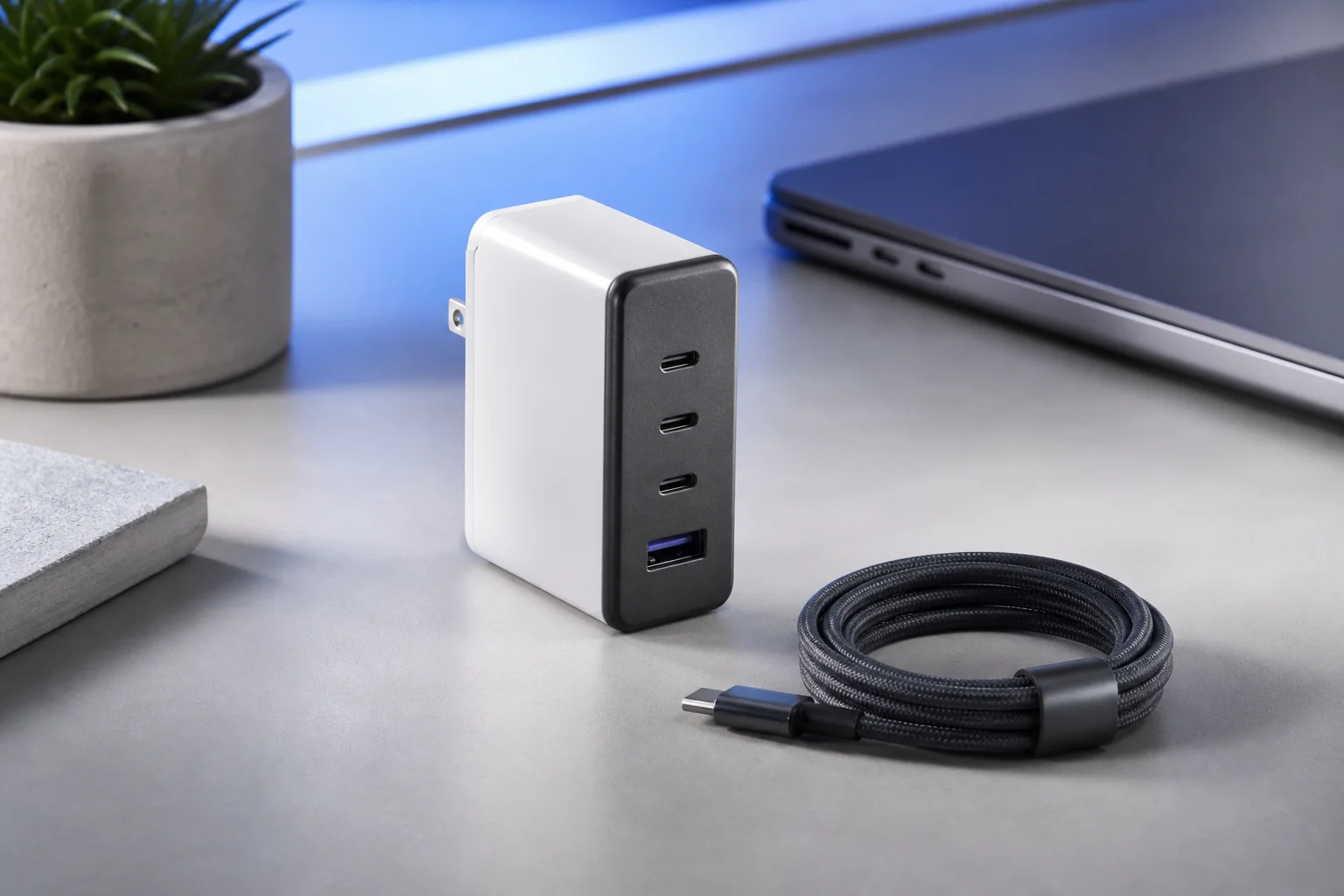
Multiport chargers advertise a total number, but that number is divided according to fixed rules. One USB-C port may offer the full output when used alone, then drop when a second port becomes active. Another port may be intended primarily for phones. Product documentation should show combinations such as C1 alone, C1 plus C2, or all ports together. If that table is missing or vague, you cannot reliably predict whether the charger will sustain a laptop while also charging a phone.
Think through your most demanding simultaneous session. If you normally charge a laptop overnight and connect a phone only occasionally, a simple two-port split may work. If you power a laptop, tablet, watch puck, and phone at a hotel desk, the allocation matters more than the headline total. A well-chosen GaN charger should keep the priority device on the strongest port without forcing you to unplug and rearrange everything whenever another cable is added.
USB-C, Power Delivery, and cable ratings
USB-C describes the connector shape; it does not guarantee a particular data speed or charging capability. USB-IF makes the same distinction in its public guidance. USB Power Delivery is the protocol that negotiates flexible power over compatible USB-C hardware. Current USB PD specifications extend well beyond the older 100-watt ceiling, but both the charger and cable must support the intended level. A high-wattage charger paired with an unsuitable cable can be limited by the cable.
Look for clearly stated Power Delivery support and a cable marked for the power you need. USB-IF says certified USB-C to USB-C cable categories use 60W or 240W power markings. For typical phone and light-laptop use, a suitable 60W cable may be enough; higher-power GaN charger use can require a 240W-capable cable and compatible equipment. Cable length, durability, and data requirements are separate decisions. A charge cable is not automatically a high-speed display or storage cable.
Size, heat, plug design, and daily usability
Compactness has limits. A very small charger working near its maximum output may feel warm, and a heavy brick can sag from a loose wall outlet. Compare dimensions and weight, not just a marketing claim about percentage reduction. Folding prongs are useful for travel, while a short extension cord can be more stable at crowded outlets. Port labels should remain readable when the charger is installed, and the body should leave space for neighboring plugs.
Warm operation is not automatically a fault, but excessive heat, odor, discoloration, intermittent charging, crackling, or a loose enclosure is a reason to disconnect the unit. Keep chargers uncovered and allow airflow. A GaN charger still converts mains electricity, so buy from a seller with clear support, traceable model information, warranty terms, and recognized safety compliance appropriate to your country rather than choosing an anonymous listing solely because it is small.
A simple buying checklist
Before ordering, list every device, its connector, and the power you expect to use at the same time. Confirm that the strongest USB-C port supports the primary laptop, check the shared-output chart, and verify that the included or existing cables are rated correctly. Then compare physical size, weight, prong style, warranty, and the clarity of the documentation. This process filters out unsuitable products faster than comparing dozens of nearly identical feature lists.
The right GaN charger is usually not the most powerful model available. It is the model whose real port behavior fits your routine with a modest reserve. A well-matched GaN charger should simplify the kit without creating a new compatibility puzzle. Travelers may value low weight and two useful ports; a permanent desk may benefit from more outputs and a cable that moves the brick off the wall. Buy for the setup you can describe today, and leave room for one realistic device upgrade rather than paying for theoretical capacity you will never use.
Sources & editorial notes
This guide is based on published documentation and editorial analysis. It does not claim hands-on product testing. Sources were reviewed on 2026-08-03.