The quick take
Add the watt-hours required by the devices you truly need, include a reasonable loss reserve, and confirm that the power station's continuous and surge output can start the highest-load equipment.
- Capacity in watt-hours estimates runtime; output in watts determines whether a device can run at all.
- Real usable energy is lower than the battery label because conversion, temperature, and system overhead consume energy.
- Emergency planning should prioritize communication, light, and essential approved devices before convenience loads.
Separate capacity from output
Portable power listings place several large numbers near each other. Watt-hours describe stored energy and help estimate how long a load can run. Watts describe power at a moment and determine whether the station can operate a device. A 500Wh battery with a 300W inverter cannot run a 900W appliance simply because enough energy might exist in the cells. Both the continuous-output limit and any short surge limit must fit the connected equipment.
This distinction is the foundation of a portable power station capacity calculation. Start by listing essential devices and finding their normal wattage from a label, power adapter, manufacturer documentation, or a plug-in power meter. For devices with motors or compressors, look for starting or surge requirements. Avoid estimating a medical device, heater, cooking appliance, or refrigerator solely from a generic online table when the actual equipment label is available.
Use watt-hours as a planning worksheet
The basic estimate is watts multiplied by hours. A 10W light used for five hours represents about 50Wh. A 60W laptop used for three hours represents about 180Wh if it actually averages that load. Repeat the calculation for each device and add the results. For equipment that cycles on and off, measured average consumption over a realistic period is more helpful than the maximum number printed on the label.
Then add reserve for inverter conversion, internal electronics, cable loss, battery-management limits, temperature, aging, and the fact that you may not want to drain the pack completely. There is no single loss factor that fits every product and load. As a planning example rather than a product promise, dividing the expected load by 0.8 gives a 20% reserve. A 400Wh device plan would therefore point to roughly 500Wh of labeled capacity before additional emergency margin.
Build a realistic outage list
Start with communication and safety: phones, a modem or hotspot if the network is operating, rechargeable lights, a radio, and approved medical equipment with professional guidance. Ready.gov recommends alternative methods for charging phones during power outages and includes portable chargers in preparedness materials. A large television or cooking device may consume the same energy that could keep communications available much longer. Rank loads before shopping so convenience does not displace essentials.
Write two scenarios. The first is a short interruption lasting a few hours. The second is the longest reasonable local outage you want to cover without recharging. Record how often each device will be used rather than assuming continuous operation. This creates a defendable portable power station capacity target and reveals whether a smaller battery plus a safe recharge plan is more practical than moving and storing a very large unit.
Check every output path
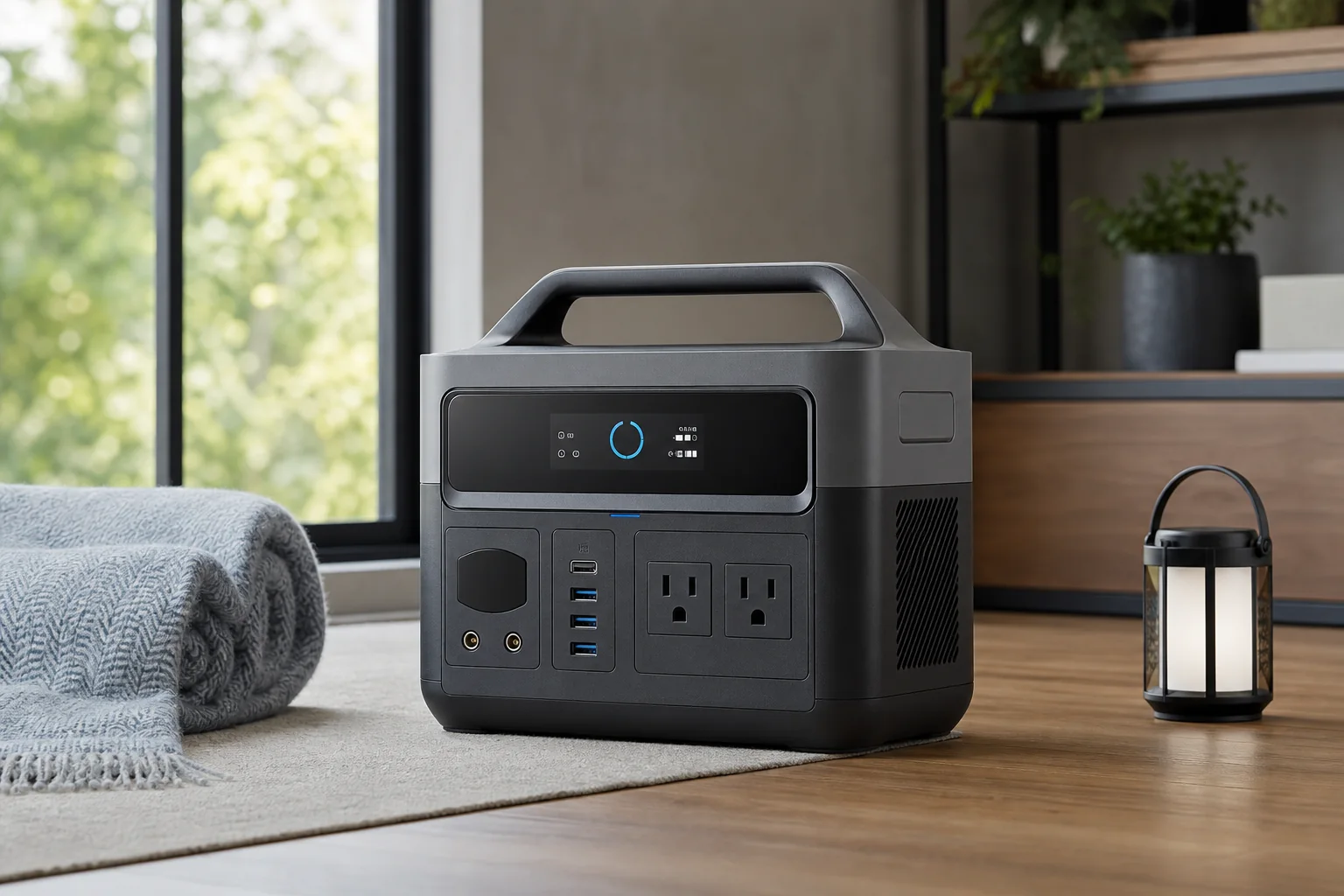
AC outlets use an inverter and usually introduce more loss than a suitable direct DC or USB output. If a laptop can charge through USB-C Power Delivery, that route may be simpler than powering its AC brick, provided the port supports the required profile. Count the limits of individual USB ports as well as the station total. A display may show plenty of battery while one port is still unable to power the connected device.
Also check charging inputs. Wall-charging time, car charging, and compatible solar input can change how much capacity you need. Solar ratings describe ideal input potential, not a guaranteed daily refill; weather, panel angle, shade, temperature, and controller limits matter. Treat recharging as a separate plan with its own assumptions. Never connect improvised panels, generators, or cables that are not permitted by the manufacturer's documentation.
Safety and storage belong in the decision
Portable power stations store substantial energy. Follow the operating temperature, ventilation, charging, moisture, and storage instructions for the exact model. Do not cover ventilation openings, use damaged cables, or place the unit where children can pull connected equipment. Inspect the enclosure for swelling, impact damage, unusual odor, smoke, or excessive heat. Disconnect and move away only if it is safe to do so, then follow manufacturer and local emergency guidance.
A battery power station is not a substitute for every generator use case, and a fuel-powered generator must never be operated indoors or in an attached space because of carbon-monoxide risk. The products have different hazards and operating requirements. If an outage plan includes life-sustaining medical equipment, consult the equipment provider and utility about approved backup arrangements rather than relying on a consumer estimate alone.
Worked example and final check
Imagine a five-hour plan with a 12W router, two 15Wh phone refills, a 10W light for three hours, and a laptop using an estimated 45W for two hours. The worksheet is 60Wh + 30Wh + 30Wh + 90Wh, or about 210Wh. Applying a planning reserve brings the target above that figure. The exact product choice should then account for measured loads, battery condition, required runtime, and whether all devices will really operate together.
Finally, compare the computed portable power station capacity with weight, output ports, surge rating, noise, warranty, replacement support, and safe storage space. The best portable power station capacity is the smallest honest target that still covers the prioritized scenario and reserve. If the unit is too heavy to reach the place it is needed, the extra energy is not useful. Test the complete setup before an emergency, label the required cables, and revisit the worksheet when devices or household needs change.
Sources & editorial notes
This guide is based on published documentation and editorial analysis. It does not claim hands-on product testing. Sources were reviewed on 2026-08-03.