The quick take
Choose 65W for one compatible ultraportable laptop plus light accessories; choose 100W when your laptop can use more power or you need to divide meaningful output across several devices.
- A 100W charger cannot make a device accept more power than it supports.
- Multiport power allocation can matter more than total advertised wattage.
- The cable must support the intended charging level as well as the connector shape.
The short answer
For many thin laptops, tablets, and phones, a good 65-watt USB-C Power Delivery adapter is the balanced choice. It is commonly compact, easy to carry, and capable of powering one primary computer while handling a small device when the port split is sensible. A 100-watt adapter is more appropriate when the laptop is designed to request higher power, when performance under load matters, or when one charger must serve multiple meaningful loads at the same time.
The 65W vs 100W USB-C charger decision should begin with the original device specification. If a laptop ships with a 65-watt adapter, matching that level is a conservative replacement target. If it ships with a 96-watt, 100-watt, or larger supply, a 65-watt charger may still charge it slowly in light use but may not keep up during demanding work. Manufacturer guidance takes priority over a generic wattage rule.
Why more wattage does not always mean more speed
USB Power Delivery uses negotiation. The charger advertises supported power profiles, the connected device requests a compatible profile, and the cable participates in determining what can be delivered safely. A phone that accepts a lower maximum will not suddenly charge at 100 watts merely because it is connected to a larger adapter. Likewise, proprietary fast-charging modes may require a specific charger even when the connector is USB-C.
This is why charger comparisons based only on a stopwatch can mislead. Battery temperature, state of charge, device activity, firmware, and charge-curve management all affect the observed result. Many devices draw their highest power only during part of the session and reduce it as the battery fills. Capacity is useful when it matches a supported profile or must be shared; otherwise it is reserve rather than guaranteed speed.
When 65W is the practical choice
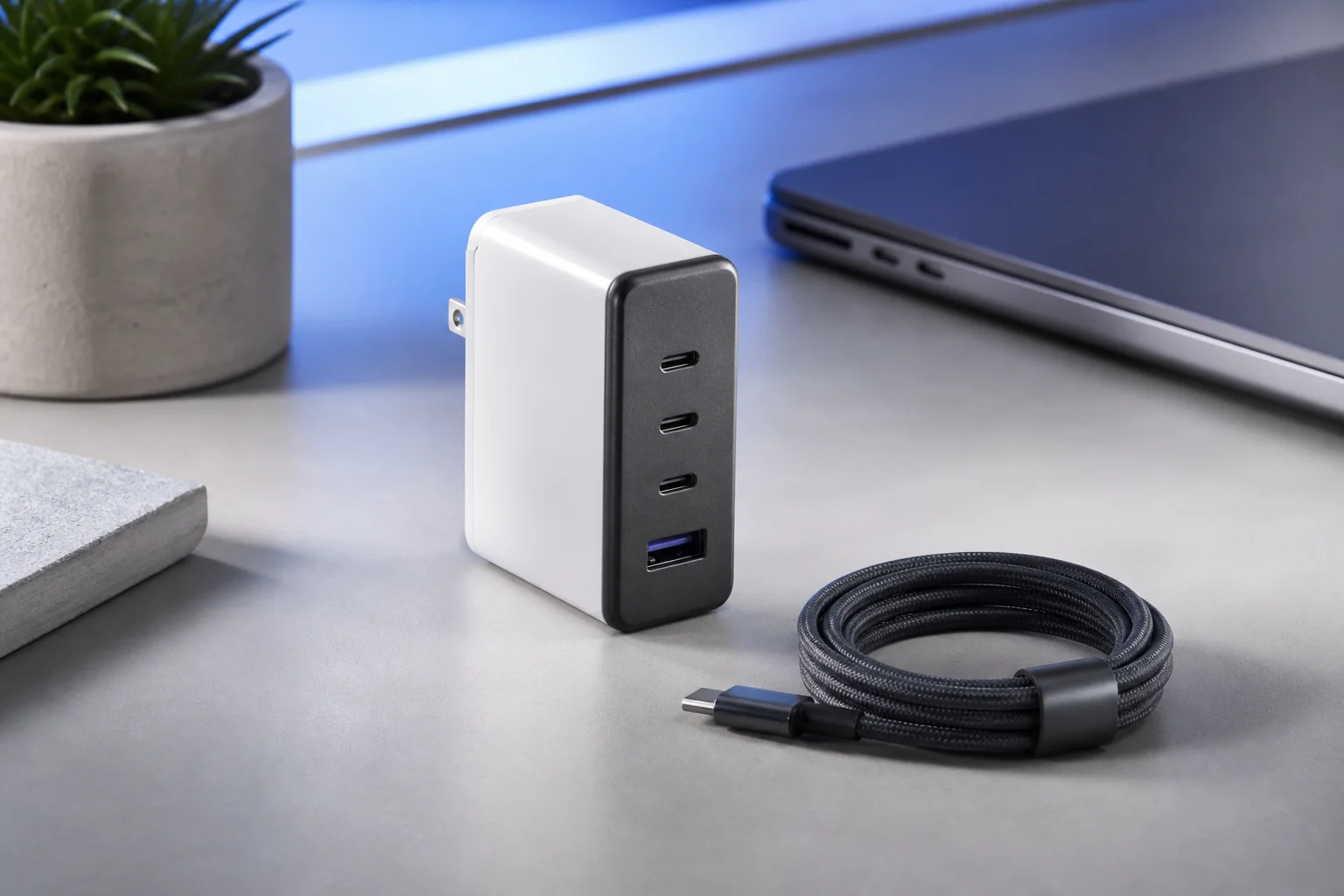
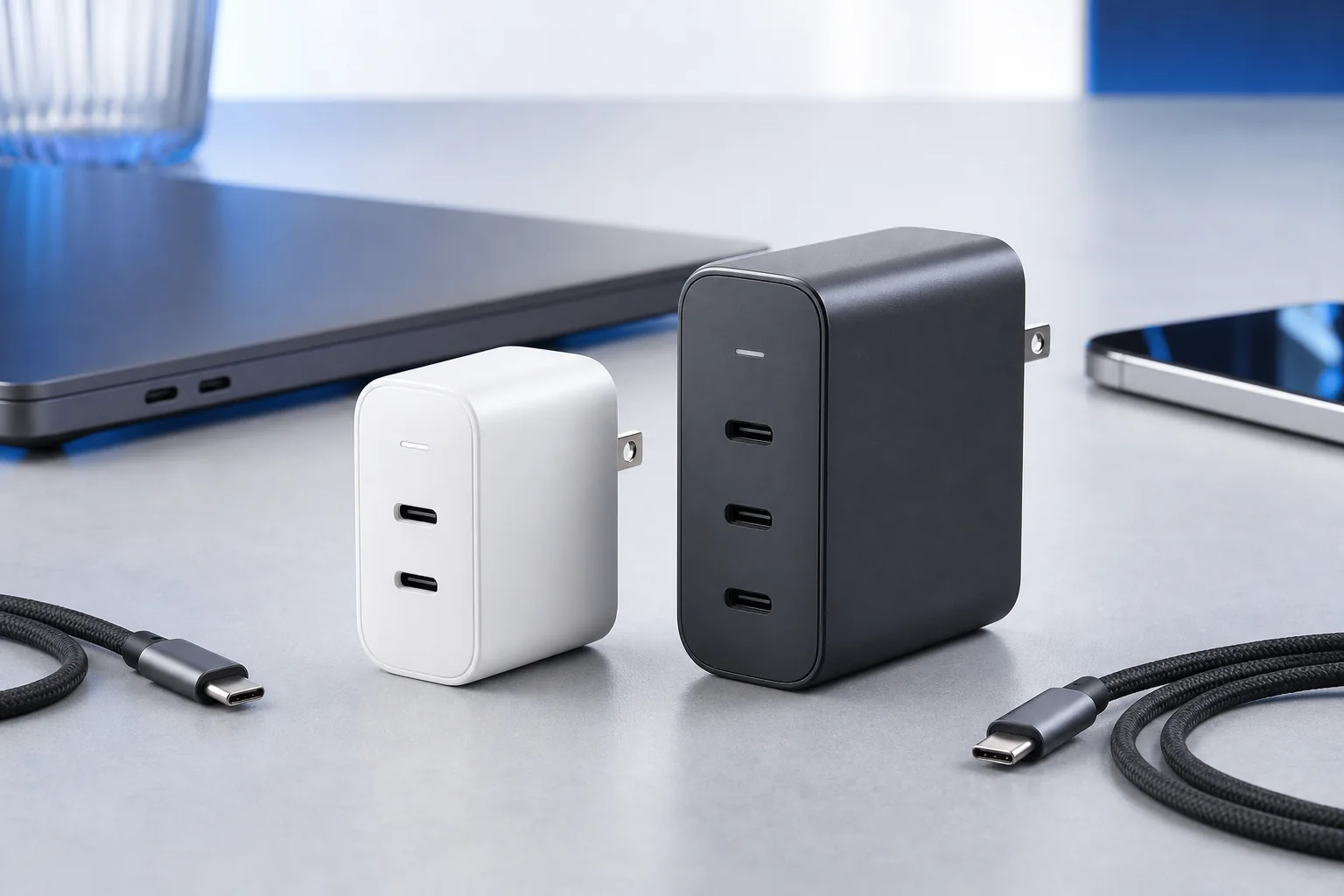
A 65-watt adapter makes sense for a commuter or traveler carrying one USB-C ultraportable, one phone, and perhaps earbuds or a watch. It can also be a good bedside or secondary-office charger when the computer's normal adapter is similar. The smaller body and lower weight may matter more every day than unused output. A well-documented two-port model can cover a laptop and phone if its shared mode still gives the laptop enough power.
Look carefully at the allocation. Some 65-watt multiport units reduce the main port to around laptop-maintenance territory when another device is connected. That may be fine for overnight charging but less suitable for video calls, code builds, or creative work. If you want one-plug simplicity, choose a layout whose two-device mode aligns with the real workload rather than assuming the full 65 watts remains on the first port.
When 100W earns the extra size
A 100-watt charger is useful for a laptop that officially supports higher-power USB-C charging, especially when the machine performs sustained work while connected. It also creates a larger pool for multiport sharing. A configuration that assigns a strong laptop output and a useful phone or tablet output can replace two adapters at a shared desk. The advantage is flexibility, not simply a larger number.
The trade-offs are usually price, weight, and physical size. Some 100-watt wall chargers are dense enough to sit awkwardly in worn outlets, and the smallest designs may run warm near full load. Compare the complete travel kit, including the higher-rated cable. If the larger charger causes you to carry more weight than two devices actually need, the theoretical consolidation benefit disappears.
Cables and port labels are part of the system
USB-C is the connector, not a promise of power level. USB-IF documents that USB Power Delivery can support much higher power than earlier USB charging, but the charger, device, and cable must all be compatible. For a 65-watt setup, do not assume every unmarked USB-C cable will carry the desired output. For a 100-watt class setup, select a cable explicitly rated for the intended power and from a traceable source.
Also inspect which physical port supports the maximum. On many chargers, C1 is the primary high-output port while C2 or USB-A has lower limits. Port labeling should be visible, and the manual should explain every combination. The most useful 65W vs 100W USB-C charger comparison is therefore a table of real port modes, not a single total printed in large type.
Decision examples
Choose 65W for a light laptop that ships with a similar adapter, a phone, and occasional low-power accessories. Choose 100W for a compatible performance laptop, a laptop plus a tablet, or a permanent desk where several users rotate devices. If you own a high-powered laptop with a proprietary 140-watt or larger supply, keep that original adapter for demanding work and treat a smaller USB-C charger as a travel or emergency option only if the manufacturer supports it.
Write down the devices you will connect simultaneously, their supported input, and the port combinations you need. Then compare size, weight, warranty, safety documentation, and cable requirements. That small exercise makes the 65W vs 100W USB-C charger choice straightforward: buy the lower class when it fully covers the normal session, and step up when the additional power solves a specific, recurring constraint.
Sources & editorial notes
This guide is based on published documentation and editorial analysis. It does not claim hands-on product testing. Sources were reviewed on 2026-08-03.